

Mobile apps · MTOweb
Business mobile apps.
Work on the move.
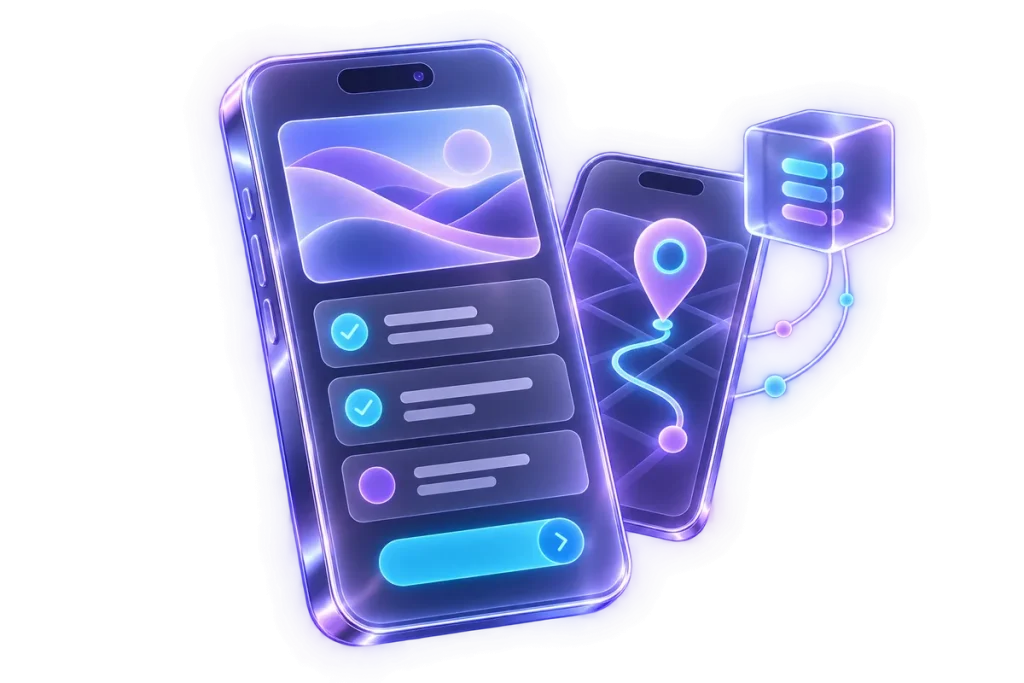
We design apps and web apps for smartphones and tablets for customers, colleagues and operators, with data and features connected to business systems.
01 / People and use
The starting point
is the user.
A customer accessing a service and an operator collecting field data have different needs. We start with users, situations and tasks to understand which information needs to be available and which operations to enable.
Requests, documents and data collection are examples of workflows to design. Devices, frequency of use and connectivity conditions help define the solution, before adding features whose purpose has not been established.
02 / Experience and solution
App or web app?
The decision comes later.
We assess whether the need can be met by a web app accessed through a browser or requires a dedicated app. The choice considers device features, intended users and distribution methods.
We share user journeys and screens to check whether actions are understandable. The first version focuses on important tasks: which data to view or enter, how to confirm an operation and how to know whether it succeeded.
03 / Backend and integrations
The mobile interface
and the system behind it.
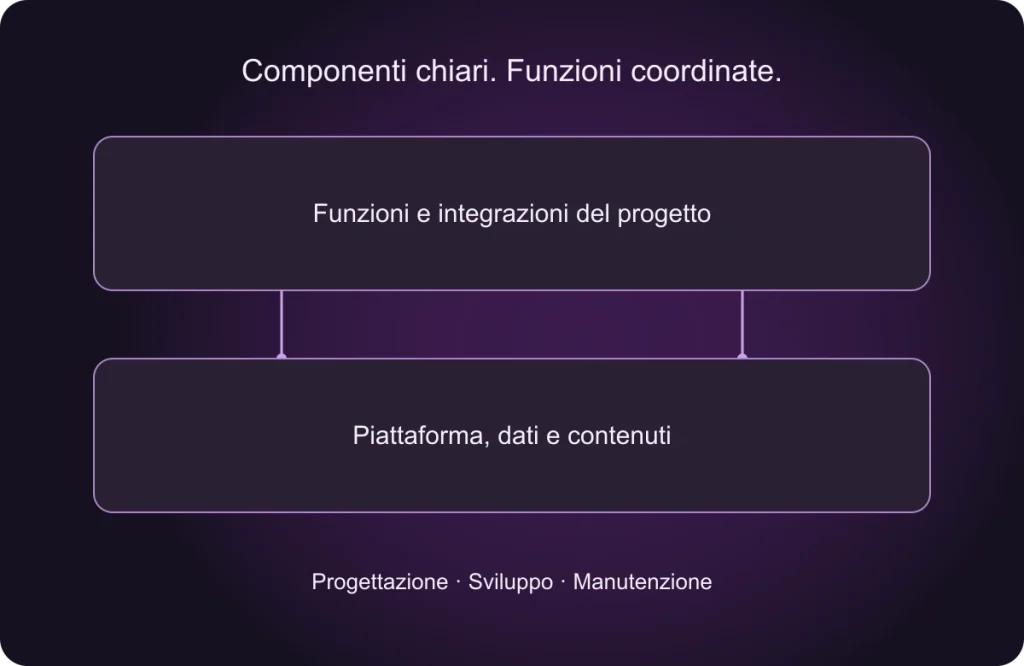
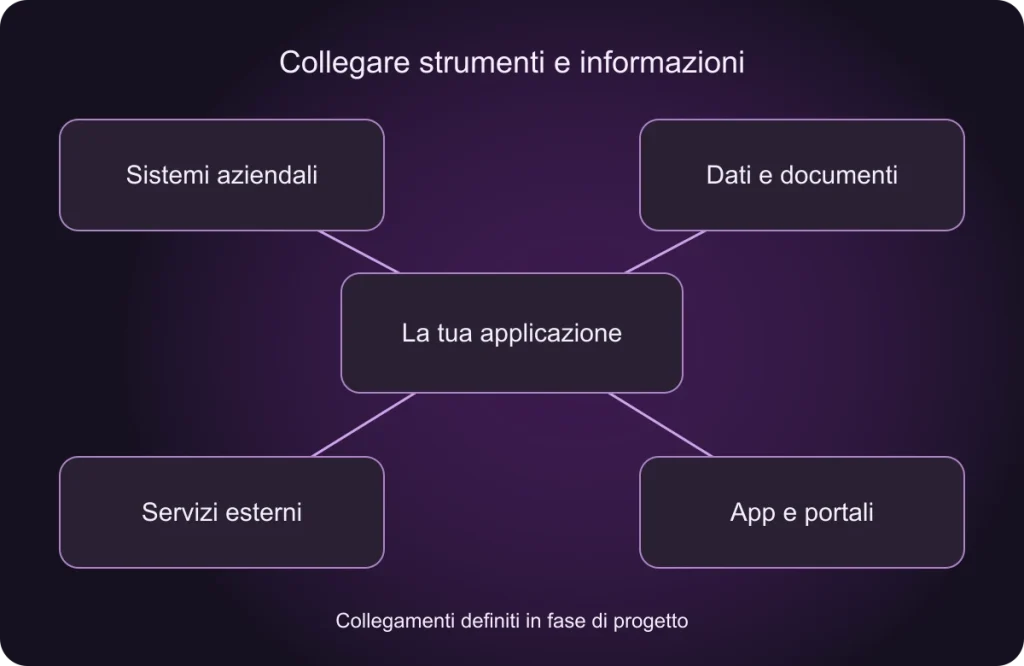
Behind the screens are data, users, permissions and operational rules. We design backends and API integrations alongside the mobile experience, or assess connections to existing systems.
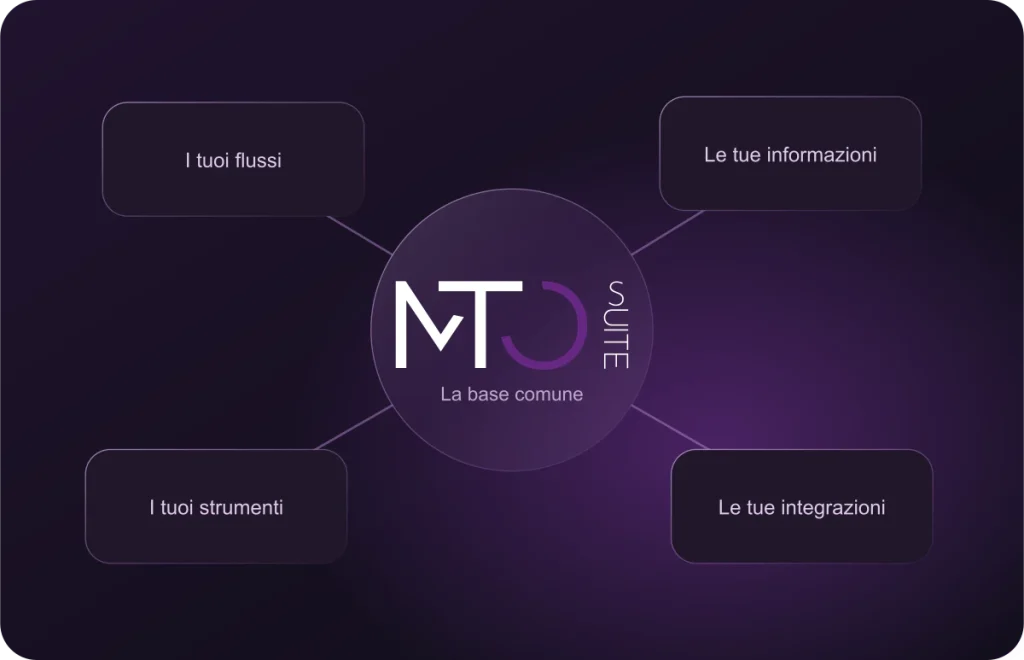
MTOsuite can provide the backend foundation , with modules and connections developed for the project’s needs. When business systems need to be built or extended, we explore our custom software and web apps .
04 / Device features
Features to choose,
with a purpose.
Cameras, documents, notifications, location and offline use may play a role in the project. We assess their usefulness, feasibility, permissions and costs in relation to people’s work and the agreed devices.
Offline use and synchronisation require specific design: which data to keep available, when to update it and how to handle concurrent changes. These decisions form part of analysis and are not automatically included in every app.
05 / Launch and evolution
From an idea
to real-world use.
Analysis, definition of a useful first version, design, development and testing precede distribution. We agree devices and scenarios to check, including error handling and unstable connections.
Distribution
App stores or internal channels are assessed according to users and platform requirements.
Evolution
Compatibility, the app and backend need maintenance. Initial costs, recurring services and new features are distinguished.
06 / Frequently asked questions
Before we begin.
Will the app work on iOS and Android?
Platforms are defined during analysis, alongside technology, supported devices and required checks.
Do we need a new management system?
Not necessarily. We can assess a connection to your existing system or a dedicated foundation such as MTOsuite.
Does it have to be published in app stores?
That depends on the solution and its users. We assess public distribution, internal use or browser access.
How are time and costs estimated?
We start with user journeys, features, backend, integrations and platforms. A defined first version helps clarify the investment.
07 / Start here
Let’s define a useful first version.
Describe your idea, who will use the app, in which situations and which data they need to view or collect. We use these elements to define the first step.