
On 9 November, PrestaShop released two security updates: 9.2.1 for the 9.2 branch and 8.2.9 for the 8.2 branch. Start by checking which version your store runs. That will help you identify the update path and plan tests for the features you rely on to sell.
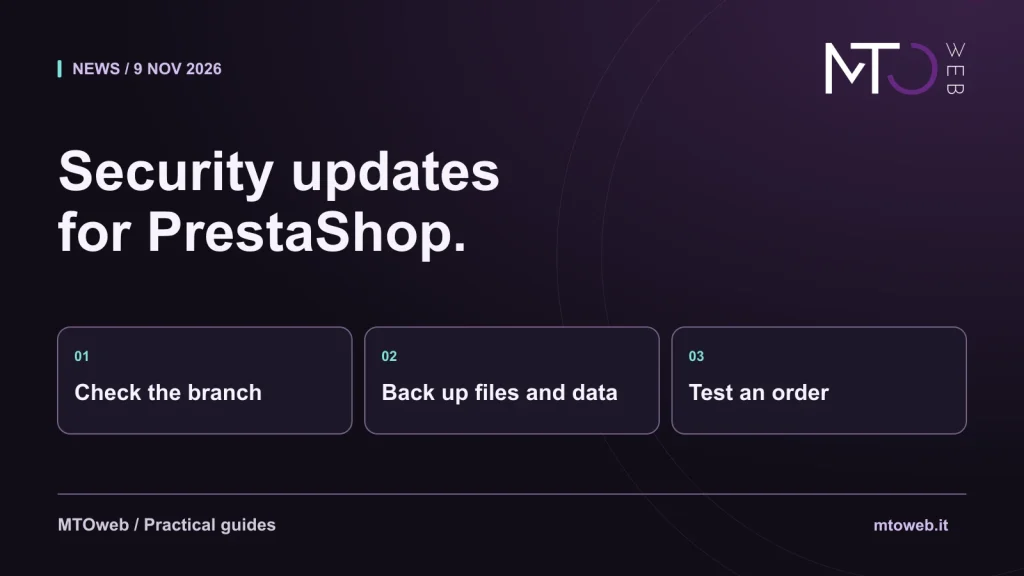
Illustrative diagram by MTOweb.
What the updates fix
The PrestaShop project reports 18 security fixes in version 9.2.1 and 15 in version 8.2.9. The conditions vary by issue: some involve back office or API permissions, while others concern stores with a reachable installer. The official advisories set out the conditions for each vulnerability. The release of a patch does not, by itself, show that a particular store was compromised.
Check the version you run today
For a store on 9.2.0, the project recommends updating to 9.2.1 as soon as possible. The announced fix for the 8.2 branch is 8.2.9. If you use another branch, ask your maintainer which advisories apply and how to reach a suitable version. Applying a patch within a branch and moving from the 8 series to the 9 series call for different assessments.
Before patching: keep a copy of files and database
PrestaShop recommends a full backup of files and database before updating. Check where to retrieve it and who can restore it. If you can test the update on an isolated copy, check the modules and theme with the settings you actually use. Prevent the test store from sending live communications or orders to other systems.
After patching: test an order from start to finish
Check the catalogue, cart, shipping options, test payment and whether the order appears in the back office. If the store sends orders to business software or a logistics provider, verify that handoff as well. Keep test orders from triggering real shipments or invoices. Record the updated version and whether each essential workflow passed.
What to share with your maintainer
Provide the current version, essential modules, known customisations and the next suitable window for the work. If you are unsure where to start, the installed version and a list of critical features are enough for a first discussion. An update for your online store needs to account for the store and the integrations it actually uses.